App Designer
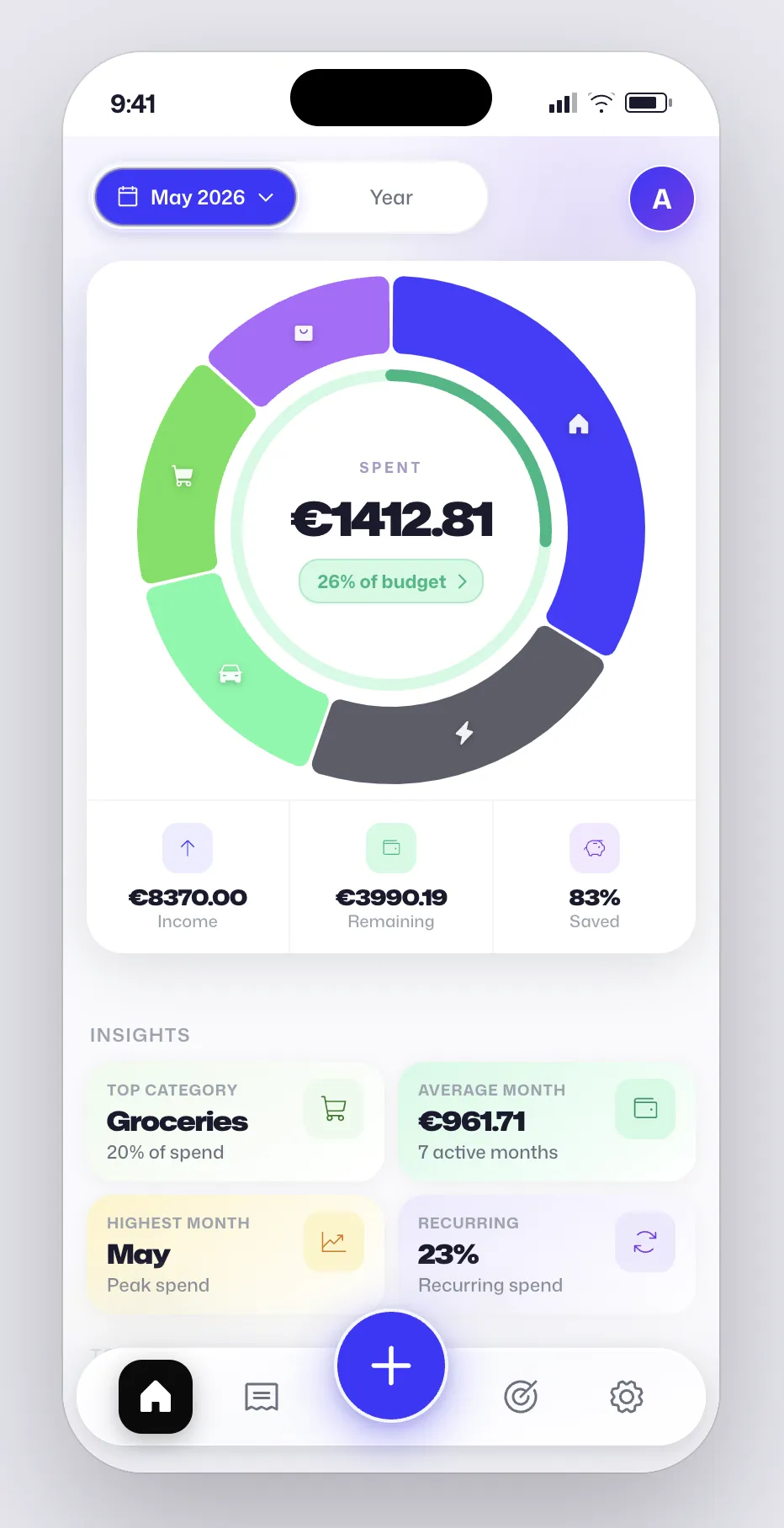
Spendr is a mobile-first personal finance app for tracking expenses, setting monthly budgets, and staying focused on a primary money goal, from saving and debt payoff to building an emergency fund. The app helps people take control of their money.
TECH STACK React · TypeScript · Vite · Tailwind CSS · Motion · Recharts · Supabase · PostgreSQL · Netlify
Spendr is a mobile-first personal finance app for tracking expenses, setting monthly budgets, and staying focused on a primary money goal, from saving and debt payoff to building an emergency fund. The app helps people take control of day-to-day spending without spreadsheet overhead . Users log expenses, explore category insights, and manage budgets tailored to their main goal.
Onboarding sets income and allocation; the Budget tab surfaces progress, draggable limits, and category breakdowns, with auth and sync backed by Supabase.
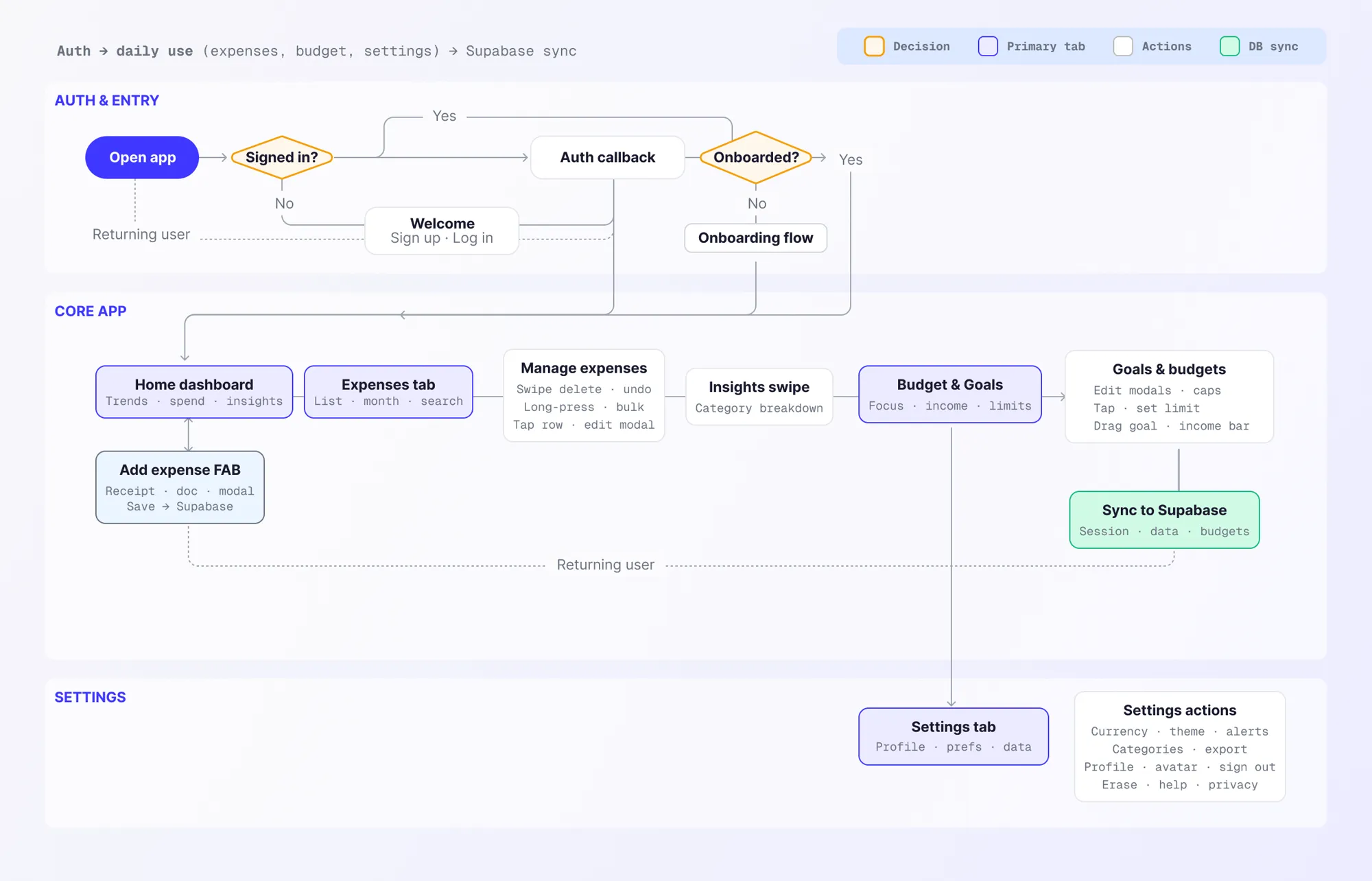
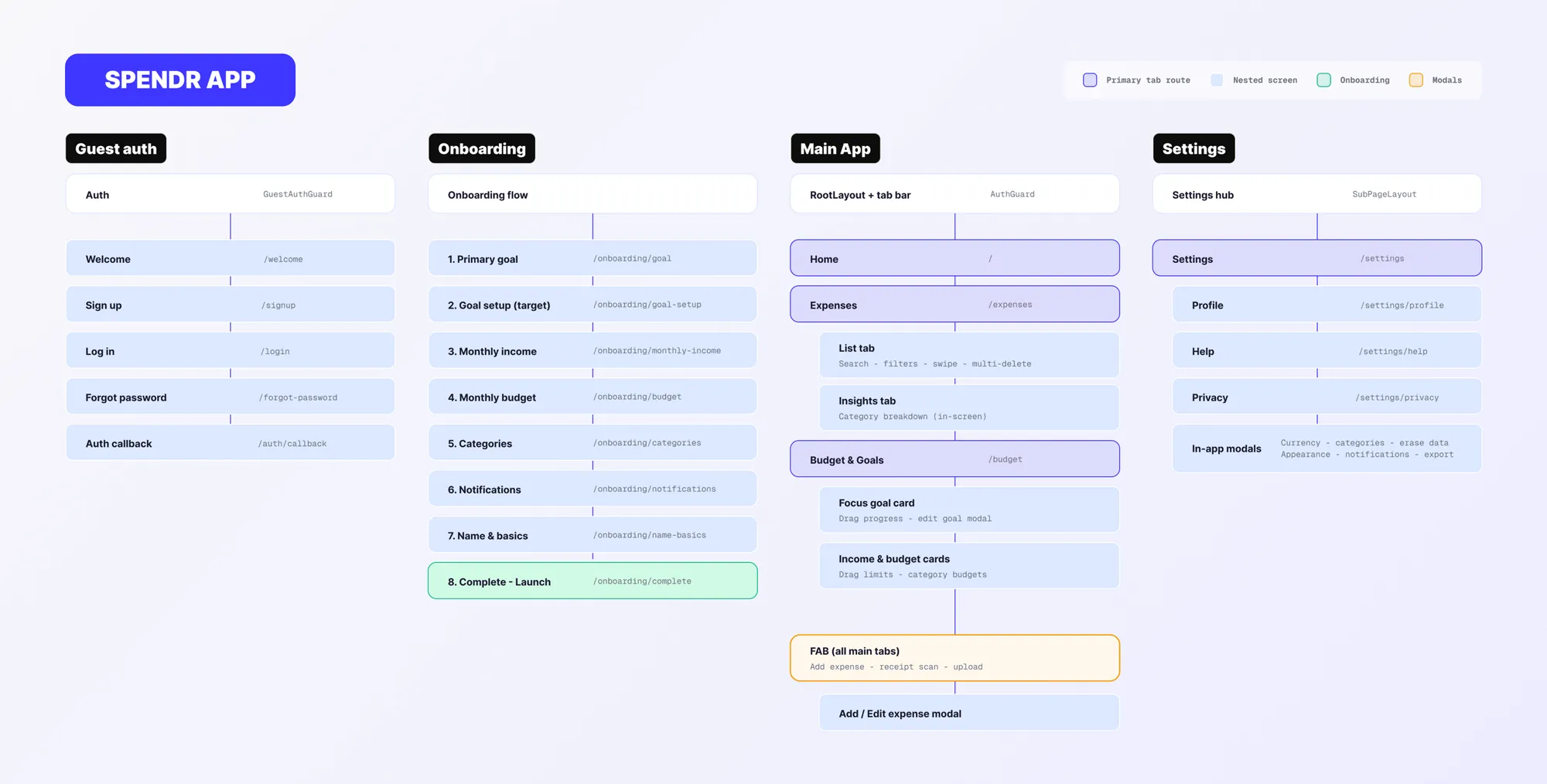
General layout and UX-Flow of the user while using the app. Includes auth, onboarding, expense and goal management, settings & export, db sync.
UX FLOW: End-to-end journey from opening the app through sign-in, a one-step onboarding branch, and daily use across Home, Expenses (with Insights), Budget & Goals, and Settings. Highlights key actions :FAB expense entry, list gestures, budget edits,and how everything syncs back to Supabase on return visits.
SITEMAP: guest auth routes, the eight-step /onboarding/* sequence, main tab screens (/home, /expenses, /budget), nested Expenses/Budget features, global FAB/modals, and the Settings hub with profile, help, privacy, and in-app preference modals.
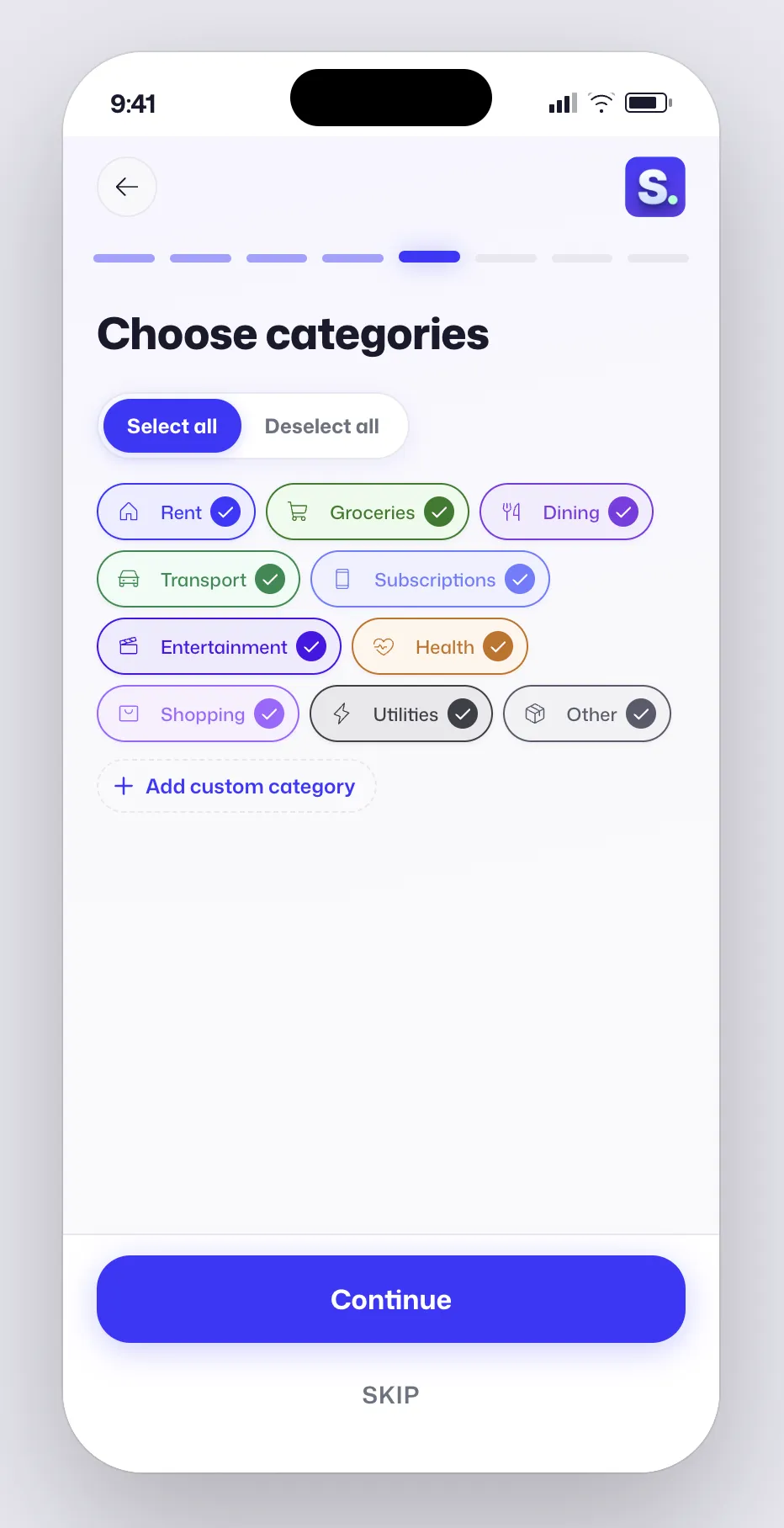
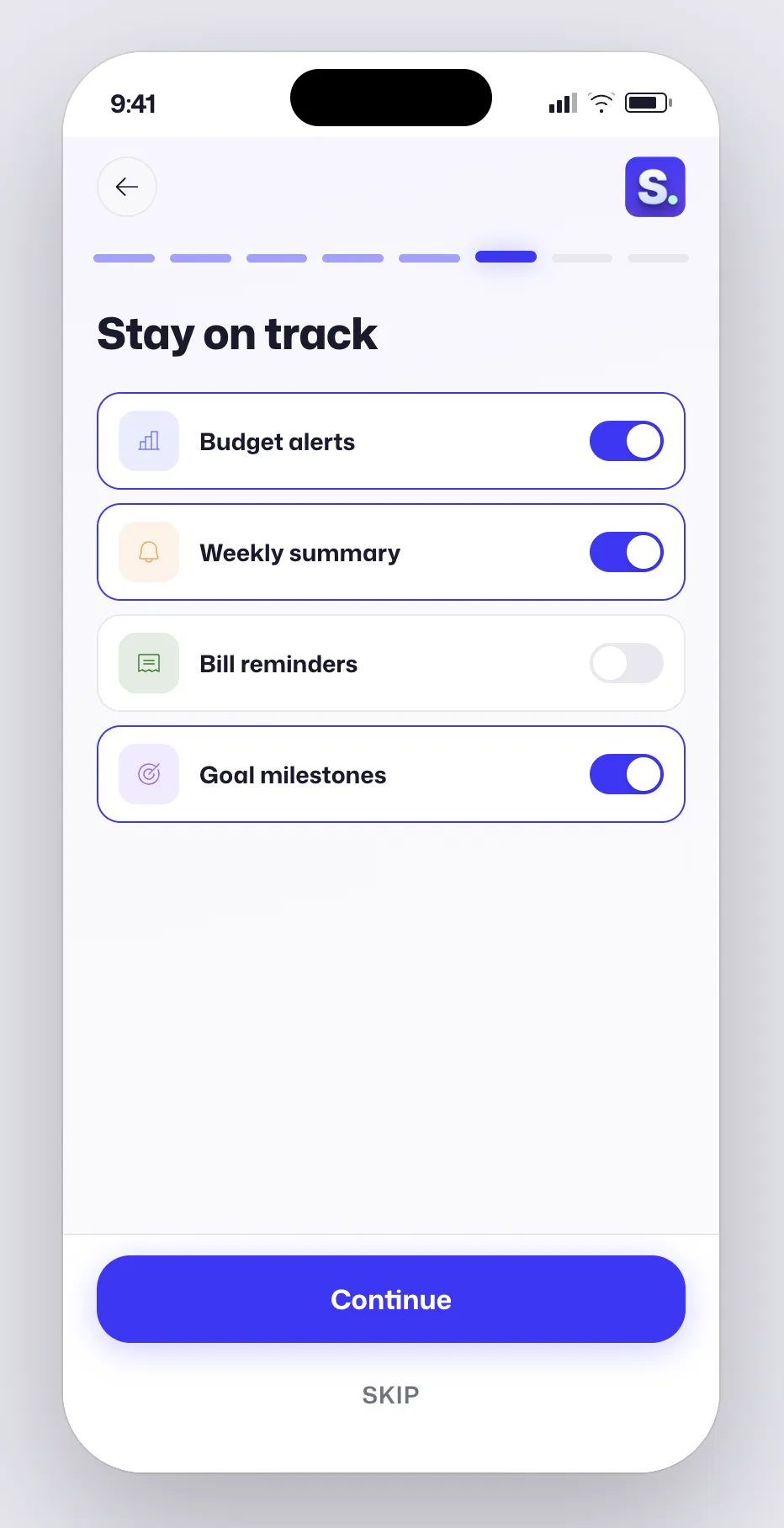
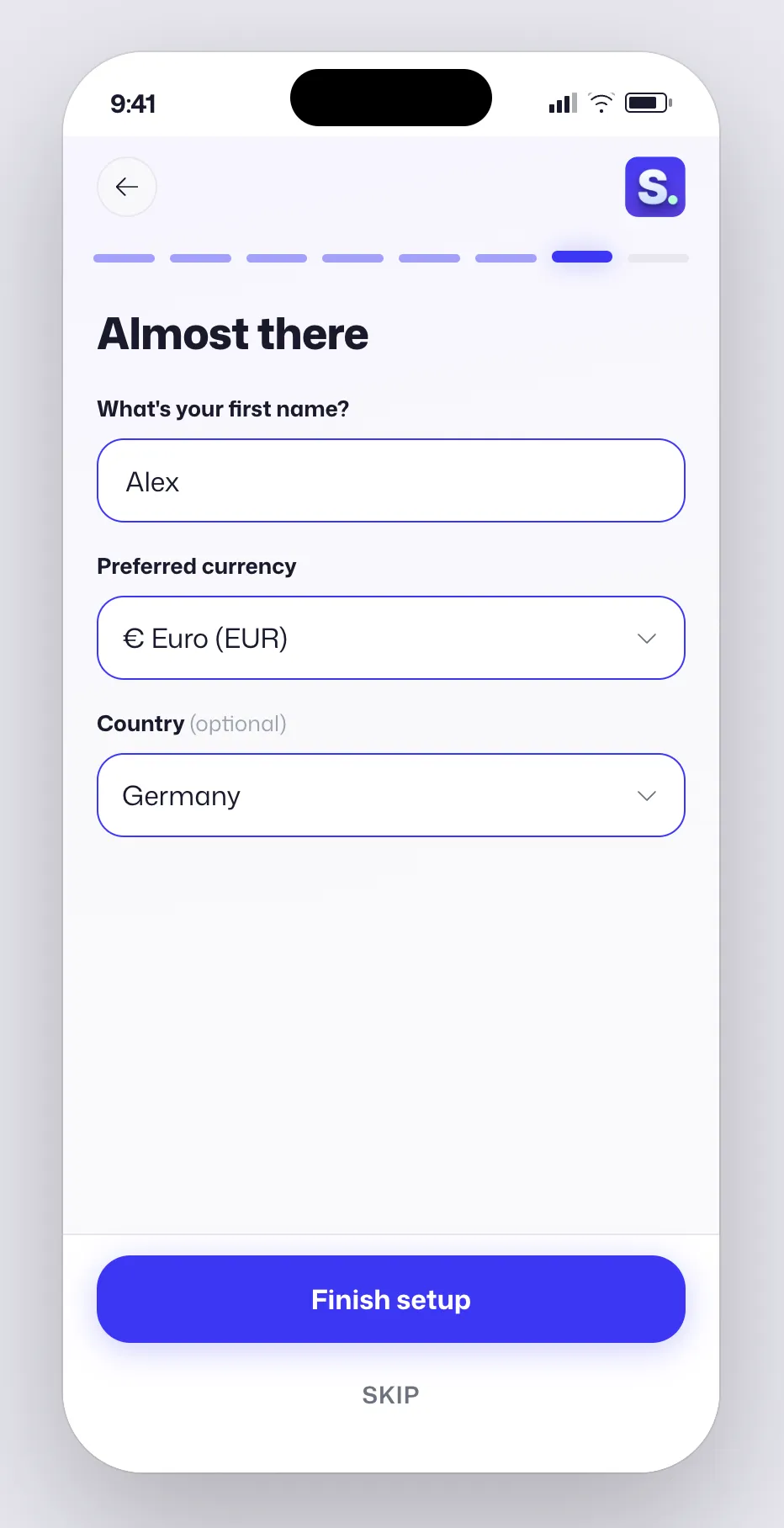
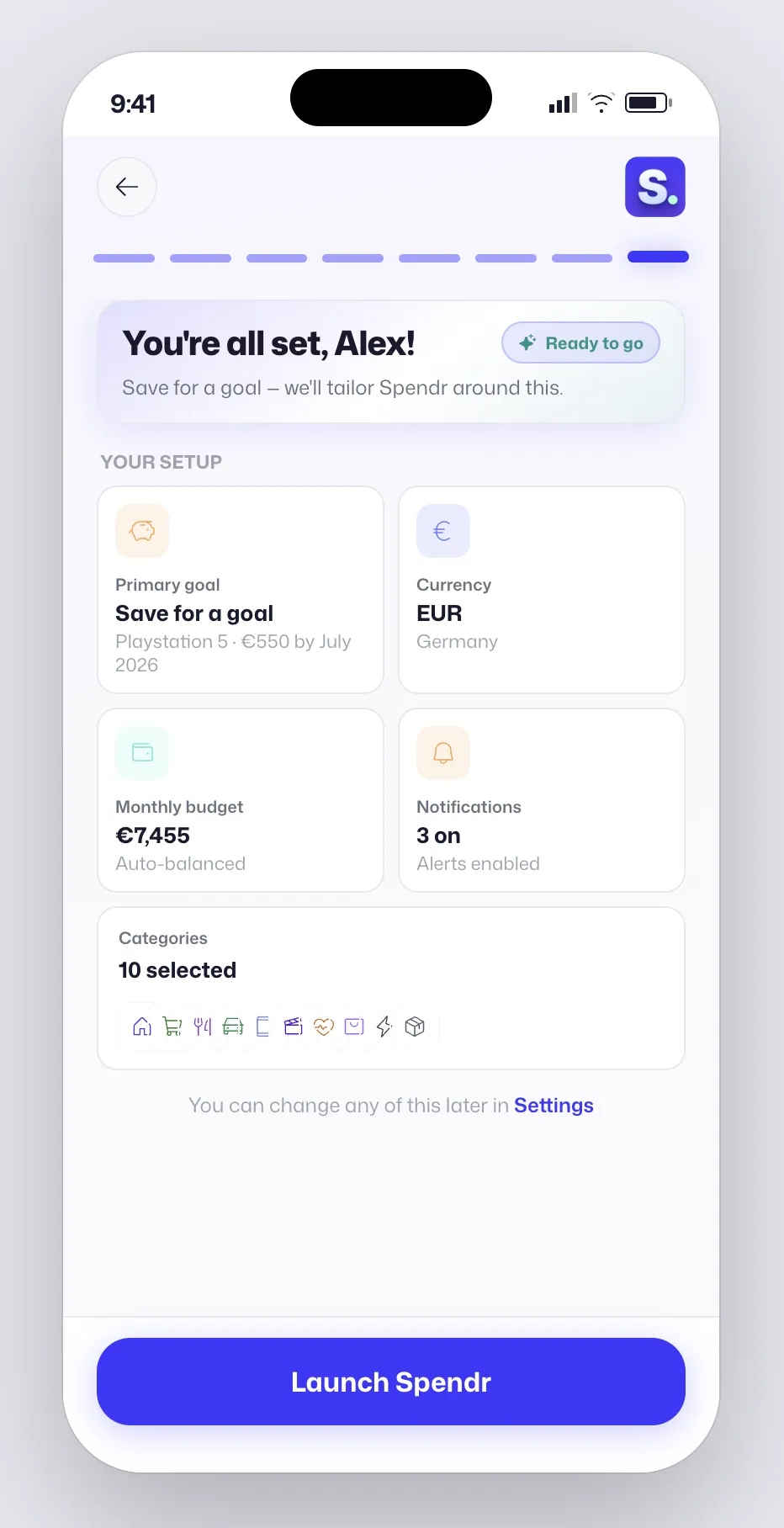
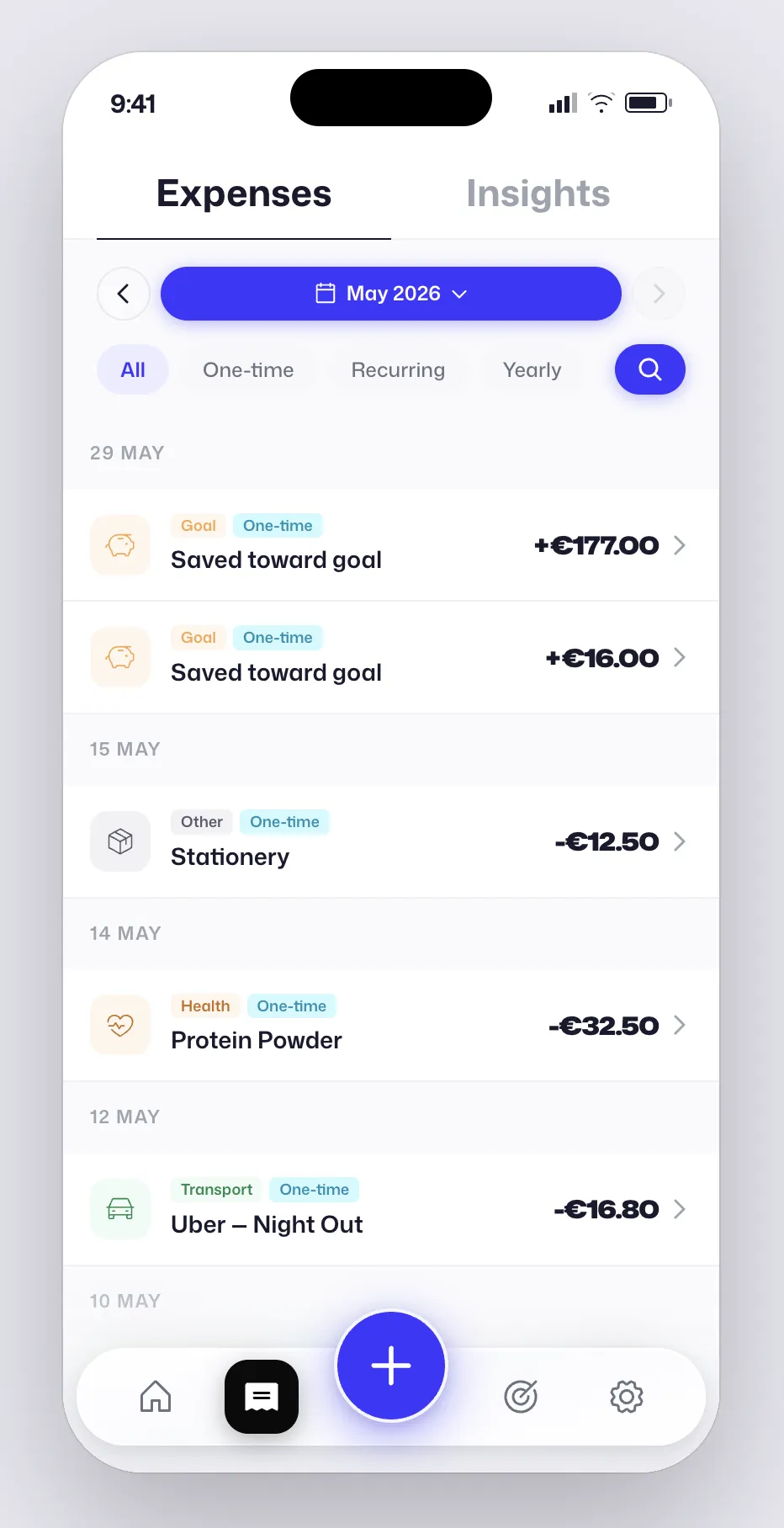
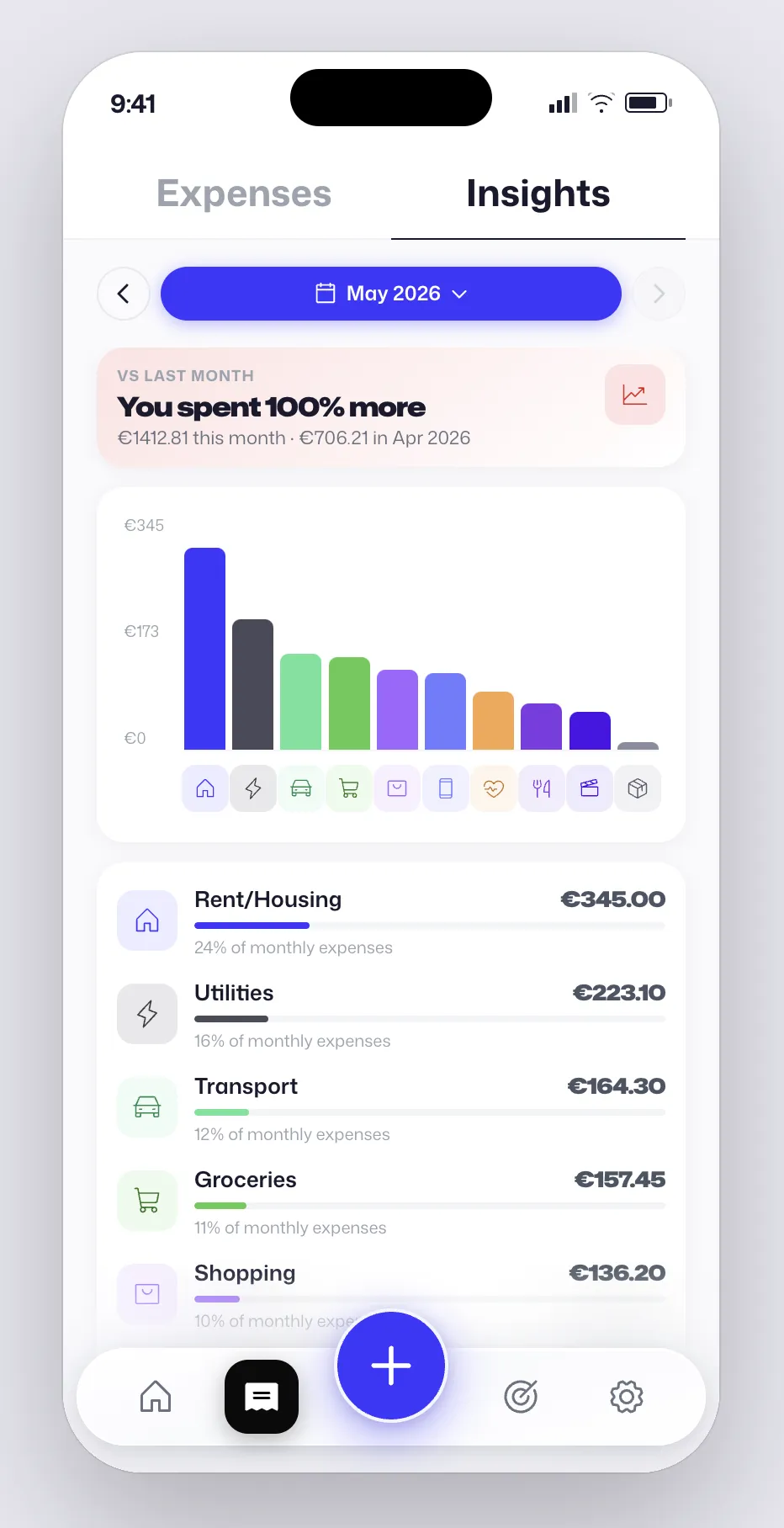
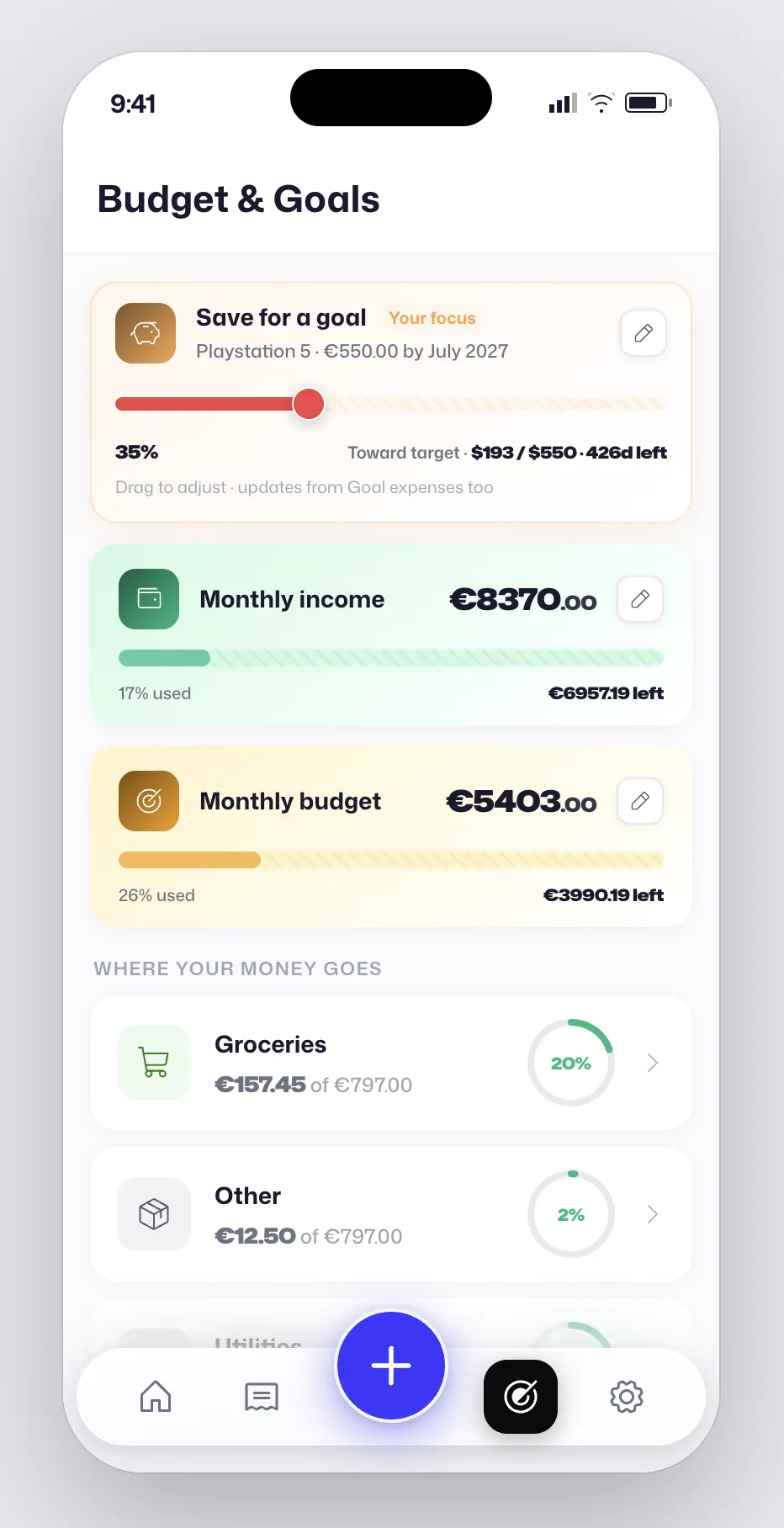
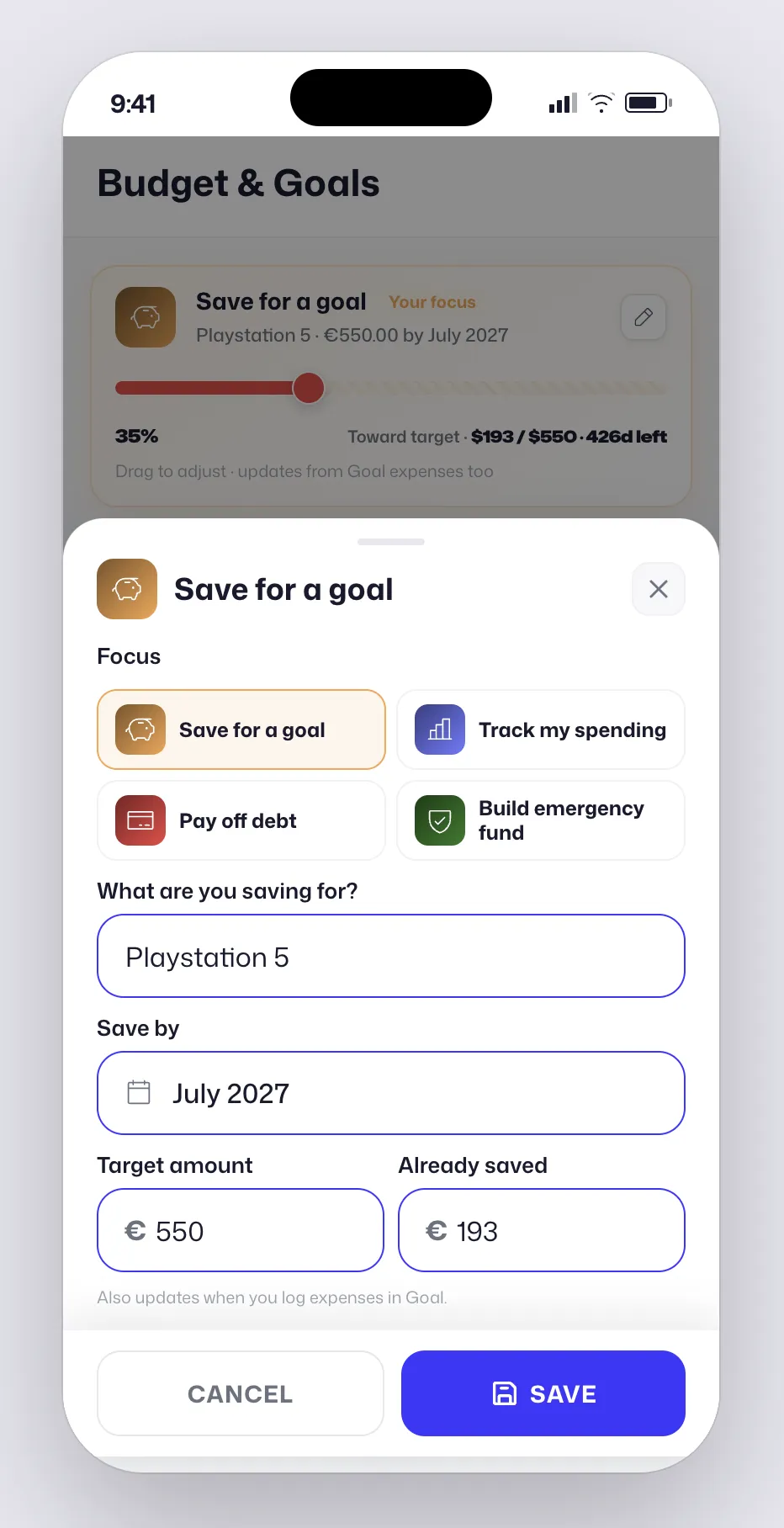
Track spending. Set budgets. Stay focused on your money goal.
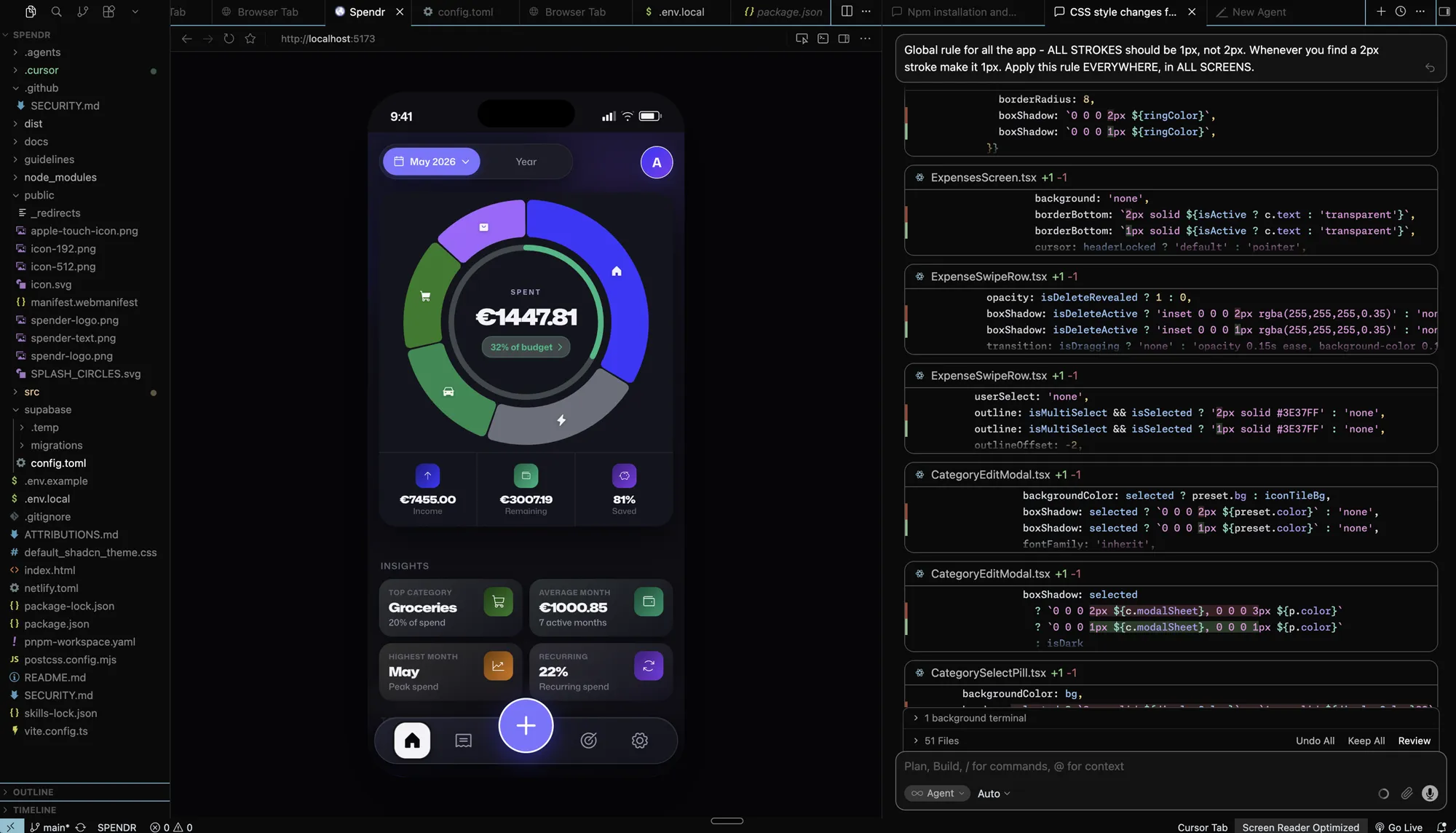
Built in Cursor with AI speed and deliberate structure : knowing which components, hooks, and Supabase tables to touch for each feature. Code ships through a public GitHub repo ; Netlify auto-deploys the frontend; Supabase powers auth and data. Fast to build, but intentional about architecture. Hand-crafted UI and fonts. Not another AI-Slop.
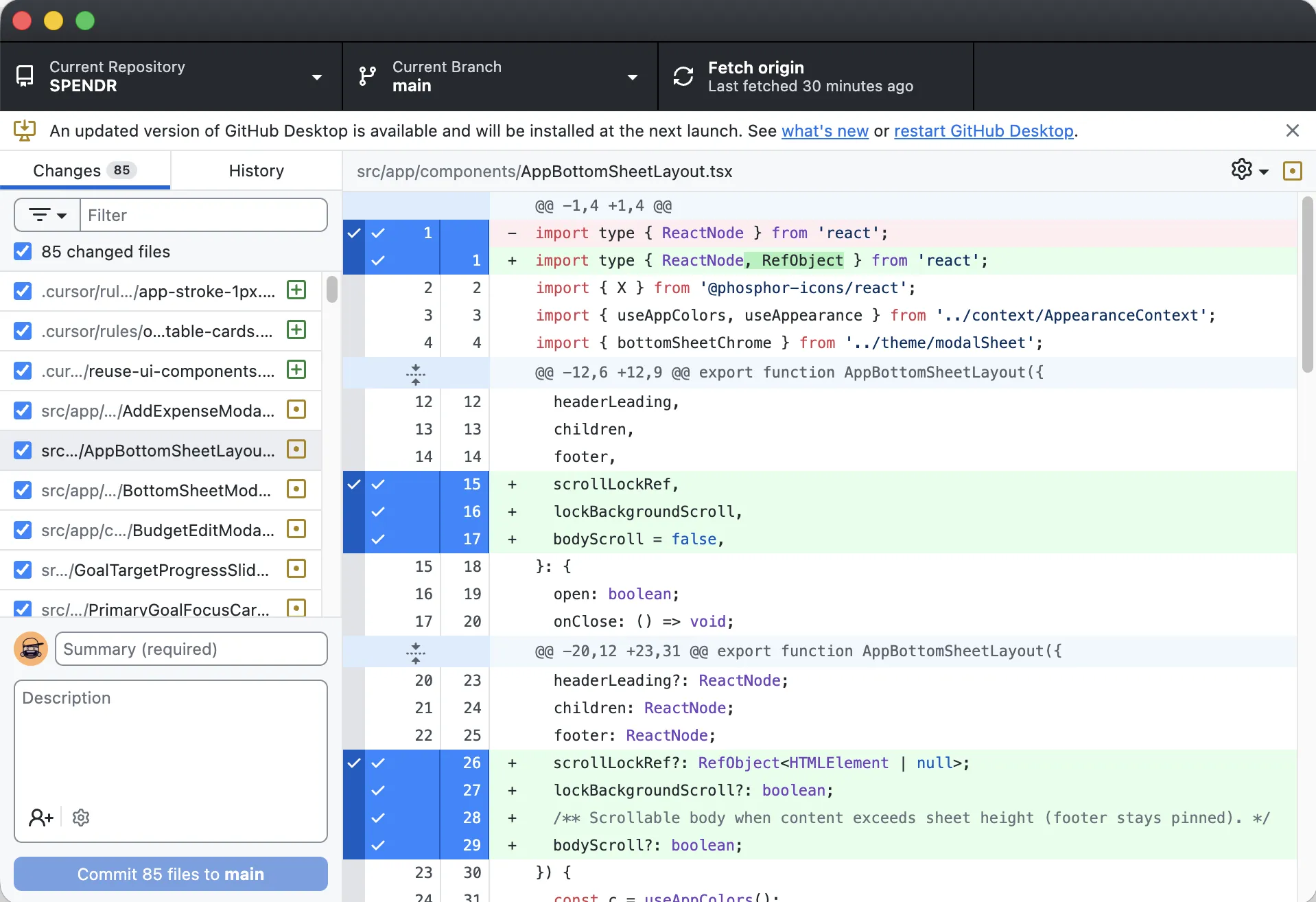
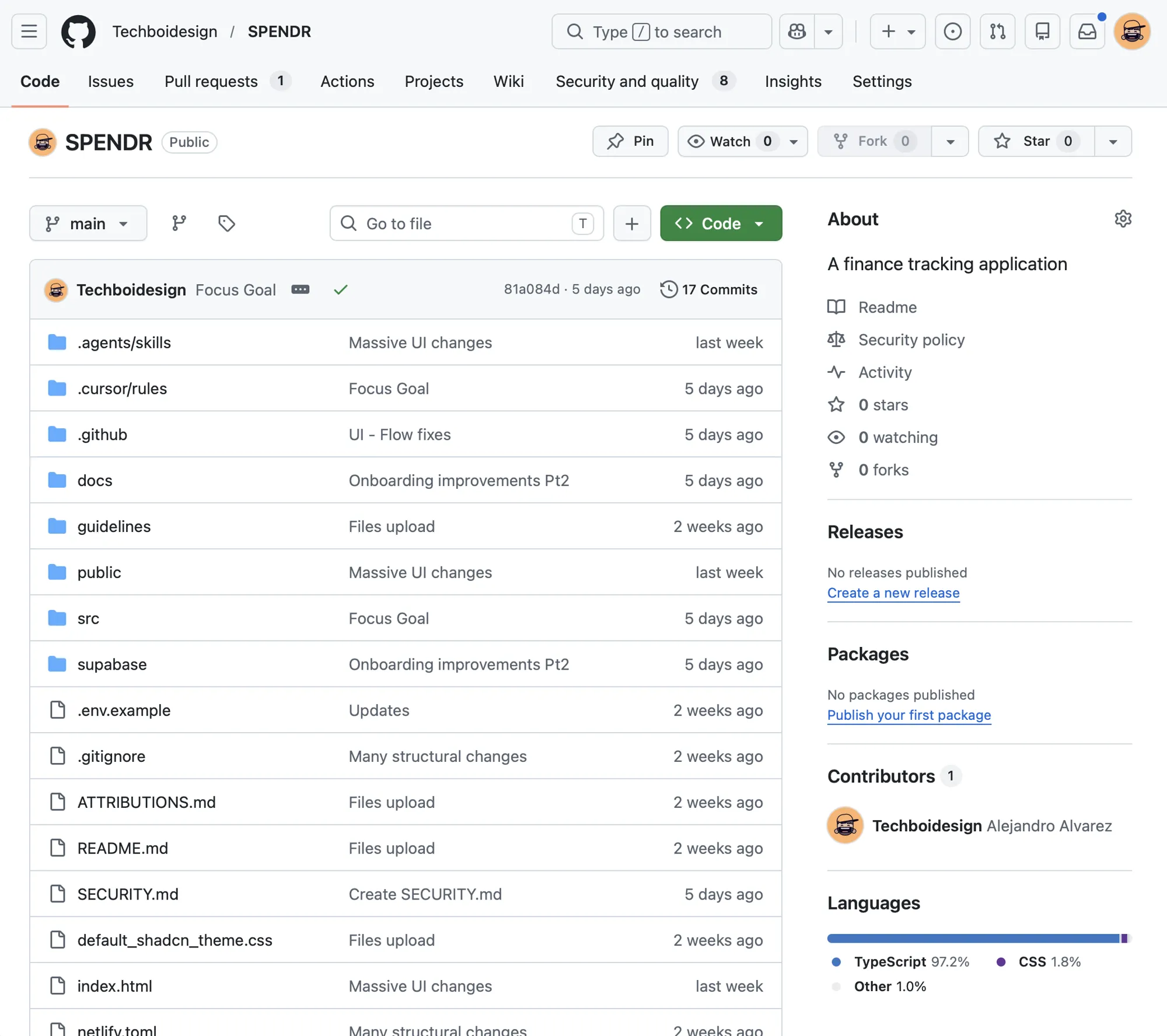
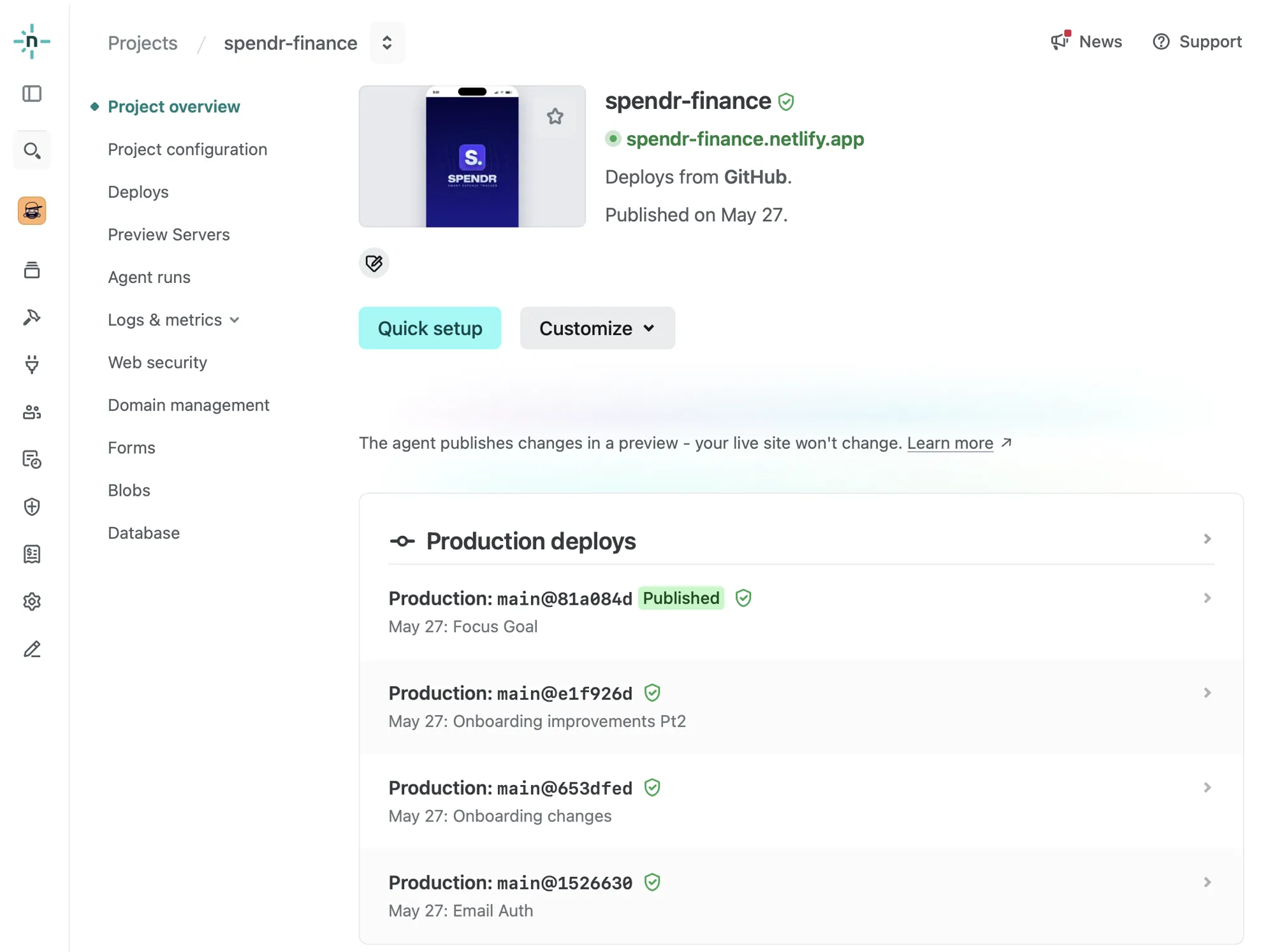
The project lives in a GitHub repository , so every feature ships as a reviewable diff. Netlify is connected to that repo and redeploys on push; Supabase handles auth, Postgres, and sync, with the production site wired through env vars and auth redirects. The result is a full-stack app that feels exploratory to build, but is structured, versioned, and deployable .
Cursor -> Github Sync
Public repo: github.com/Techboidesign/SPENDR
Netlify auto-updates from Github
Supabase DB connection
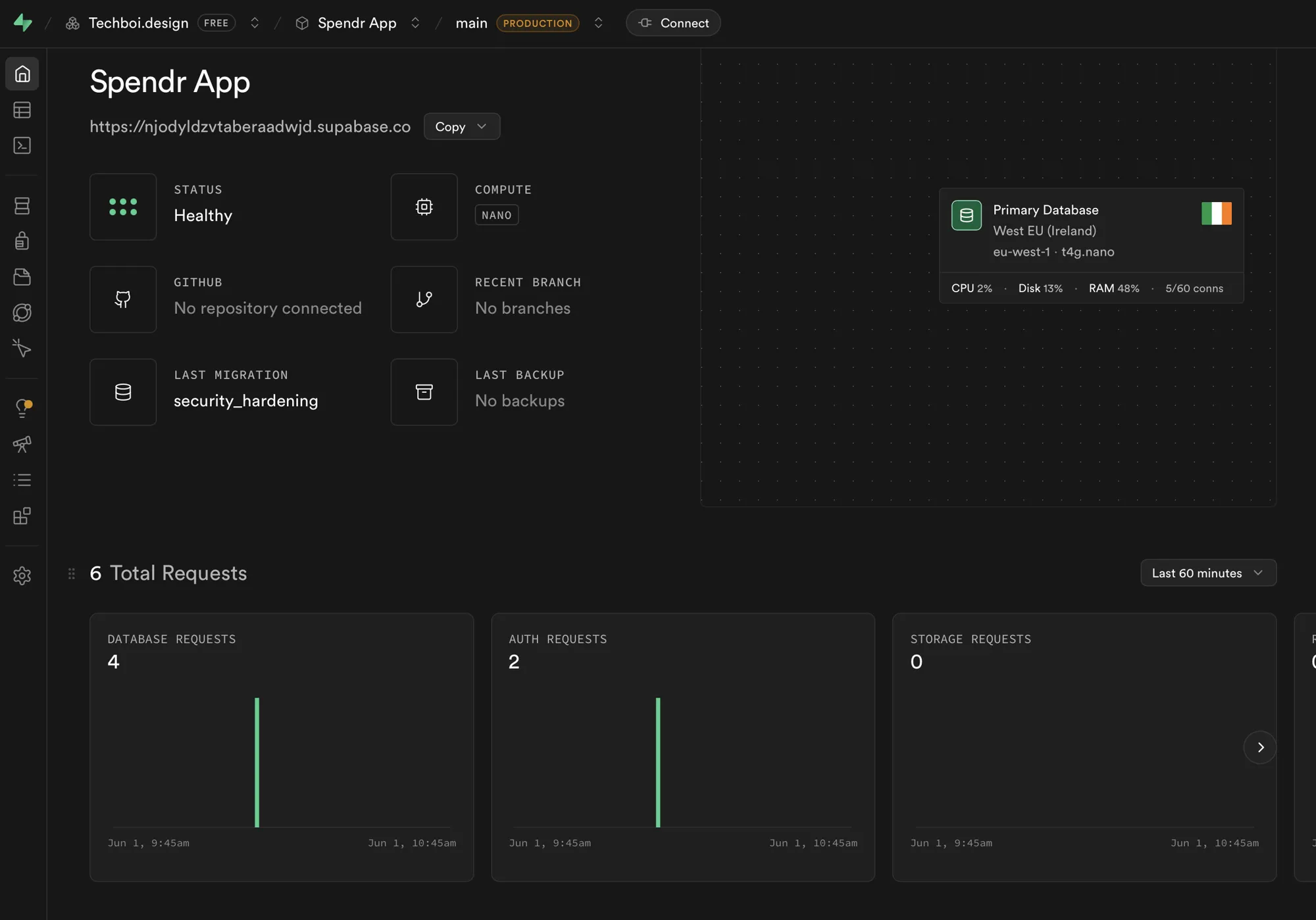
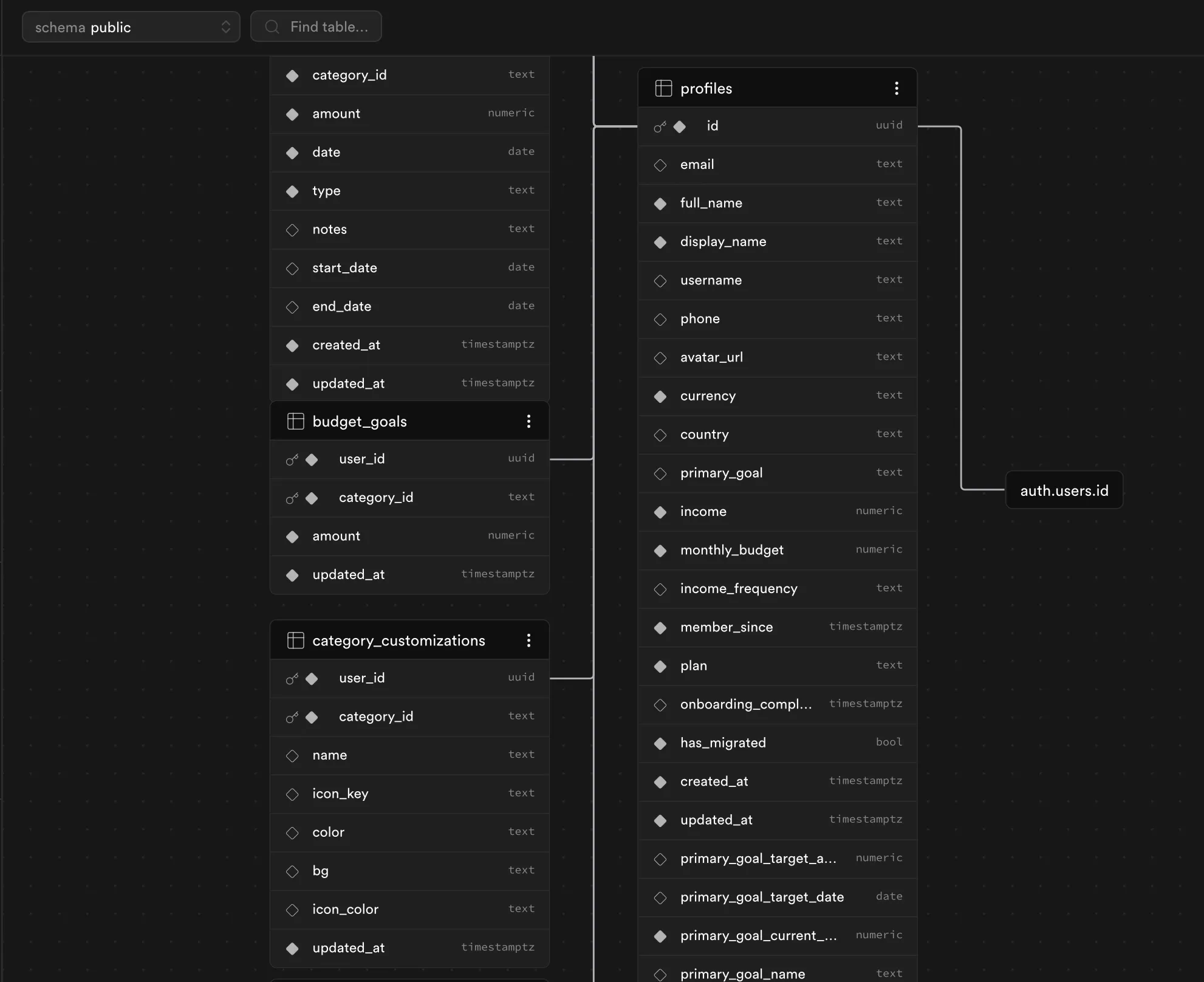
Data is organized around the user profile in Supabase: income, budget, primary goal, expenses, category budgets, custom categories, and preferences all link to the same account via user_id . Changes sync on save across devices after login. Users can export/import expenses as CSV and wipe app data from Settings, with optional migration from an earlier local-only version.
The app is built around a few domain entities (profile, expenses, budget goals, categories), stored as relational tables in Supabase and represented in the UI as typed objects in React state.